


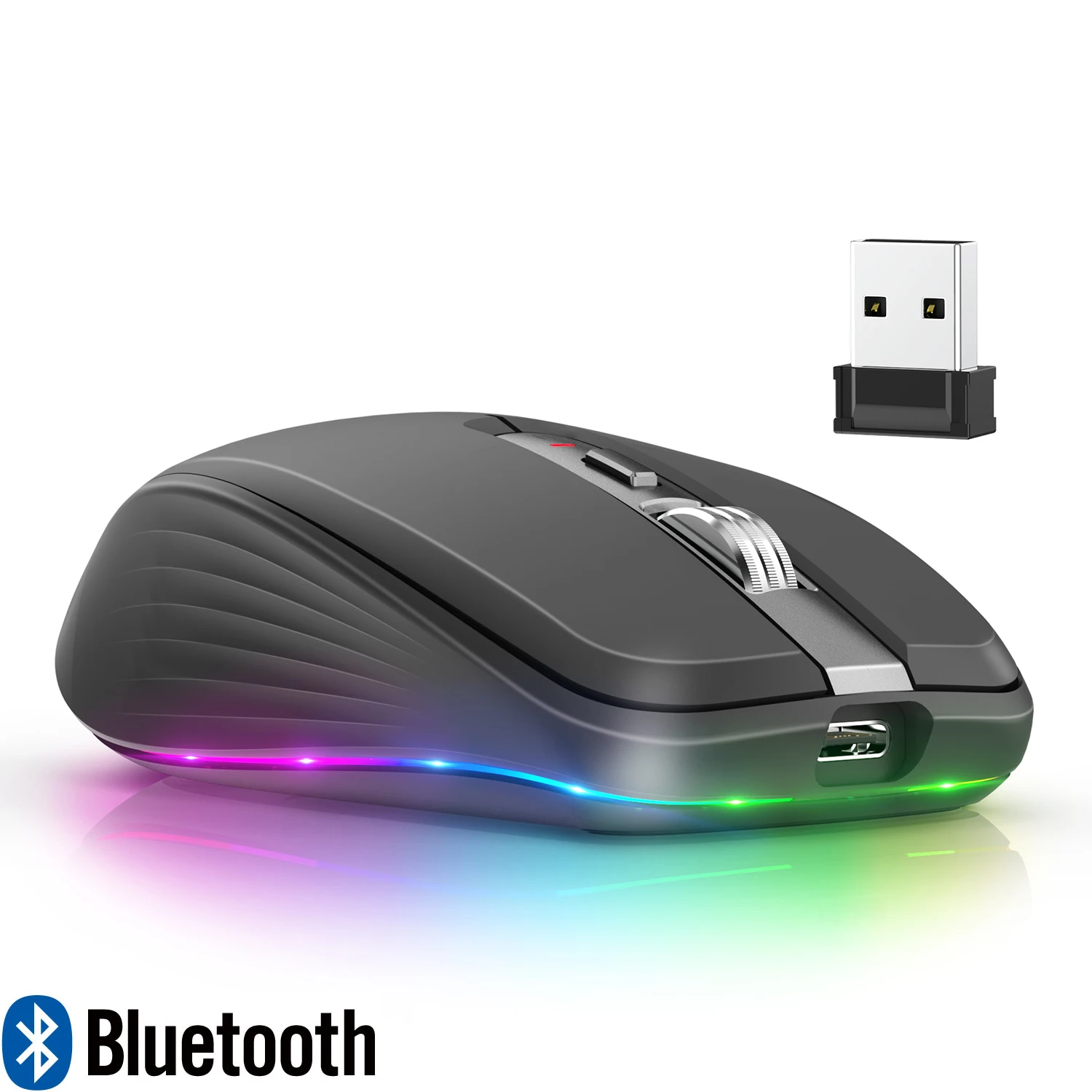
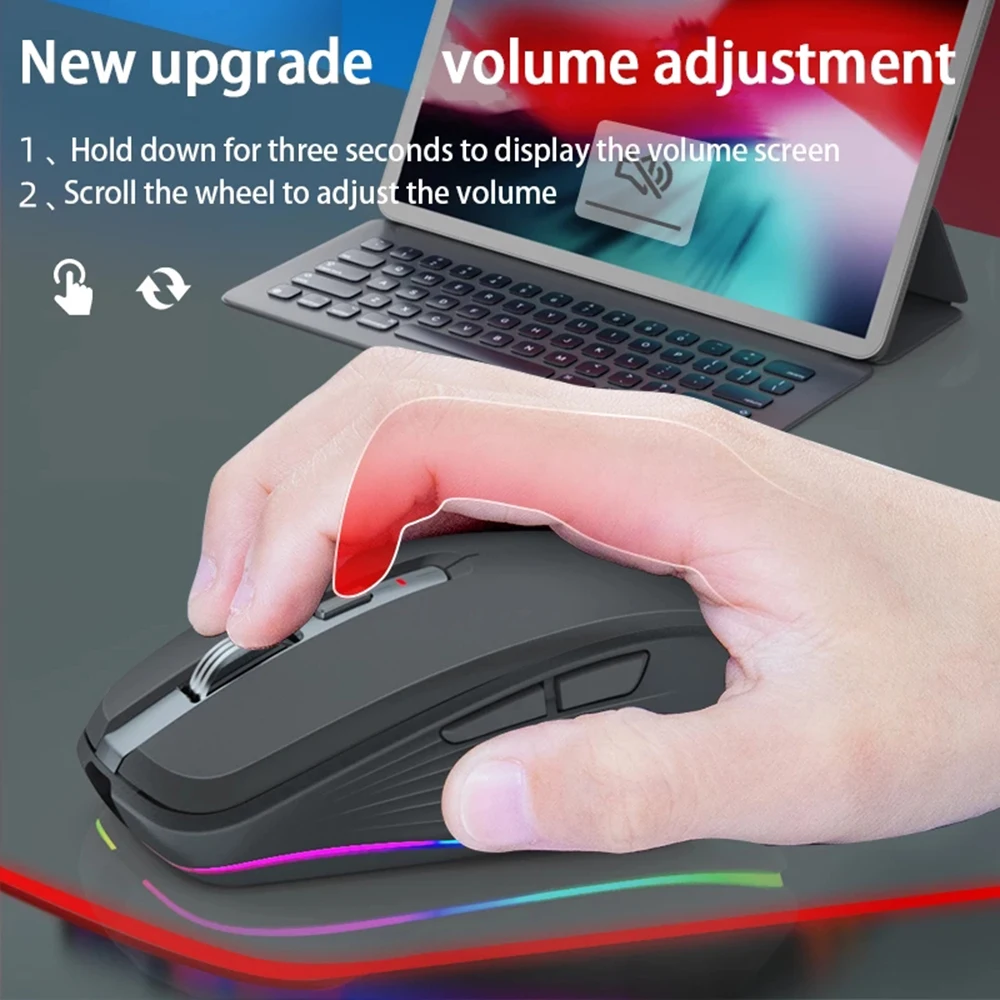
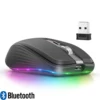
Dual Mode Rechargeable Wireless Bluetooth 2.4G Mouse RGB Mute Mouse For Windows Mac IOS Android Laptop Tablet Phone PC
RM 12.23 RM 12.50Price range: RM 11.33RM 12.23 through RM 11.58RM 12.50 Excl. SST (-40%)
Product Parameters:
IC:PixArt 3212
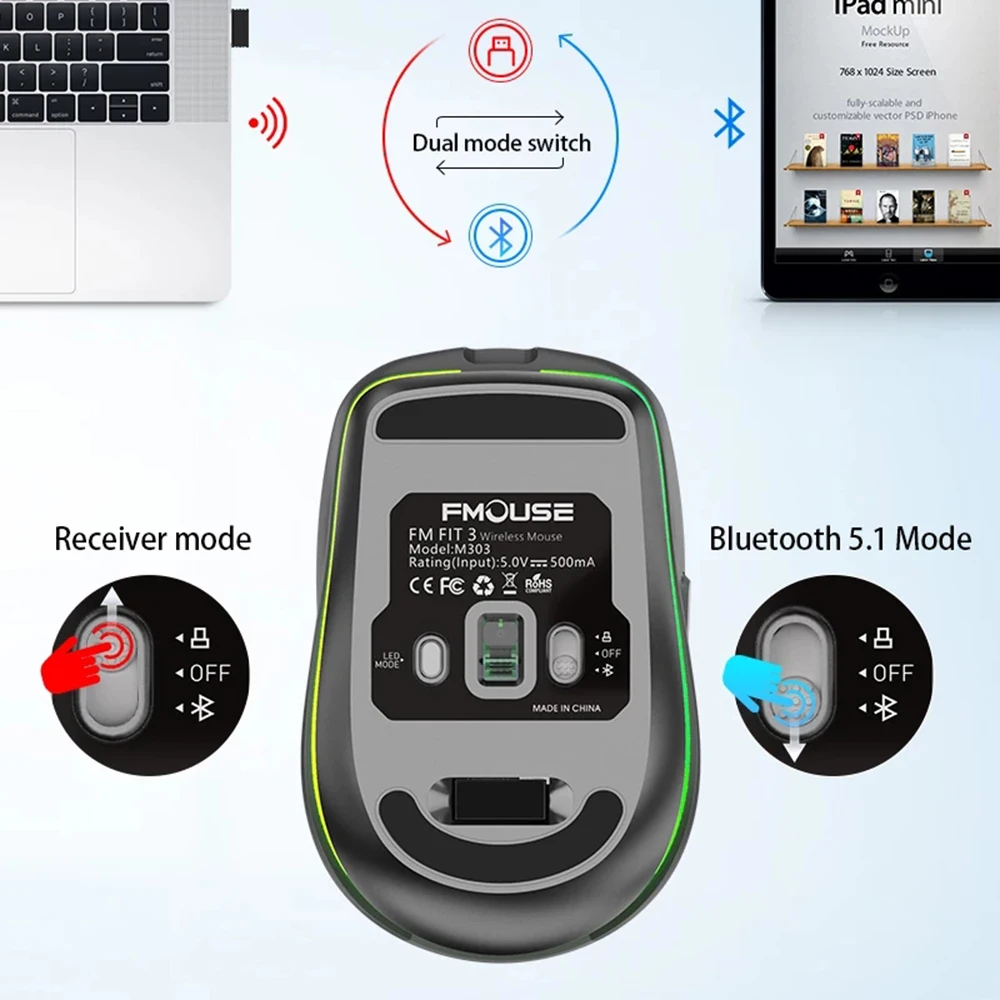
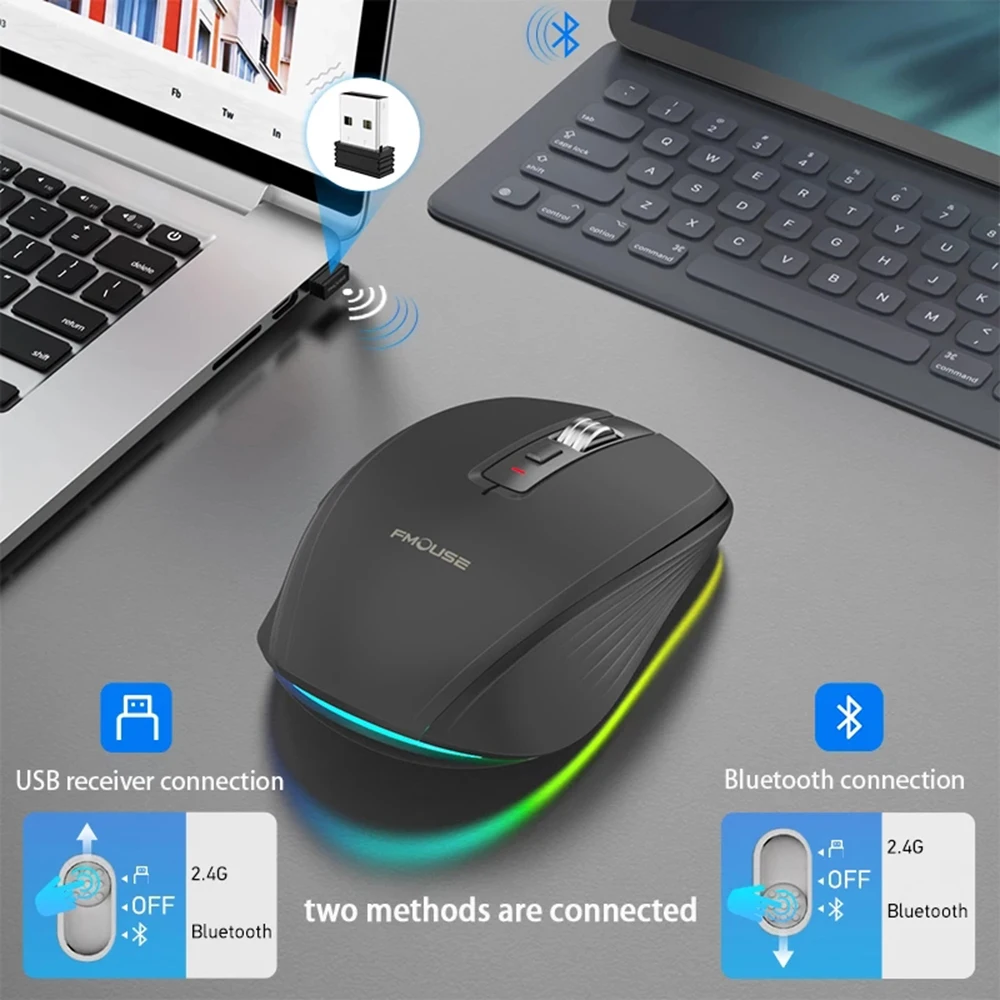
Working mode: 2.4G+BT5.1
Rate of return: 125HZ
Moving speed: 30inch/s
Refresh rate: 4800 frames/second
Acceleration: 10G
Number of switches: 6 Keys (mute design)
Switch life: 10 million times
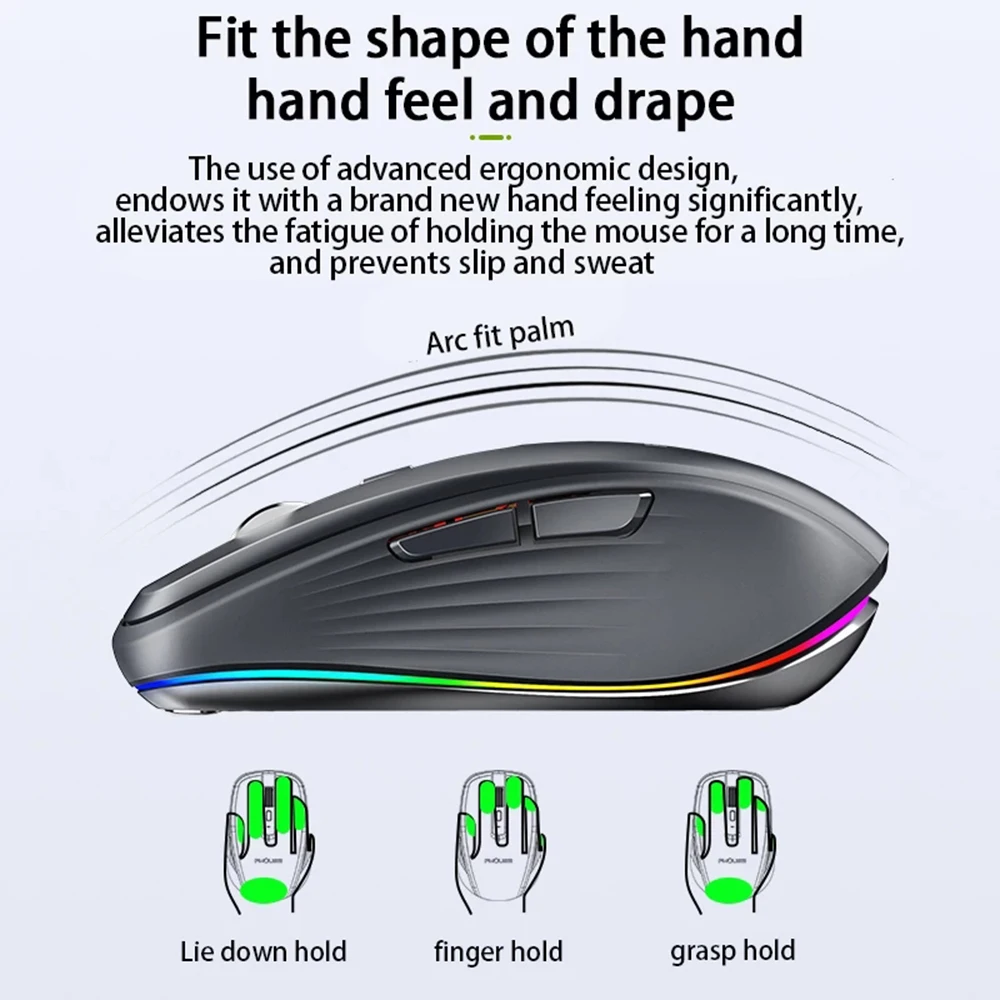
Product material: ABS material+metal roller
Voltage/current: 5V/500mA
Battery capacity: 700mAH
Working range: 10m
Length of charging line: 80cm (Type-c charging line)
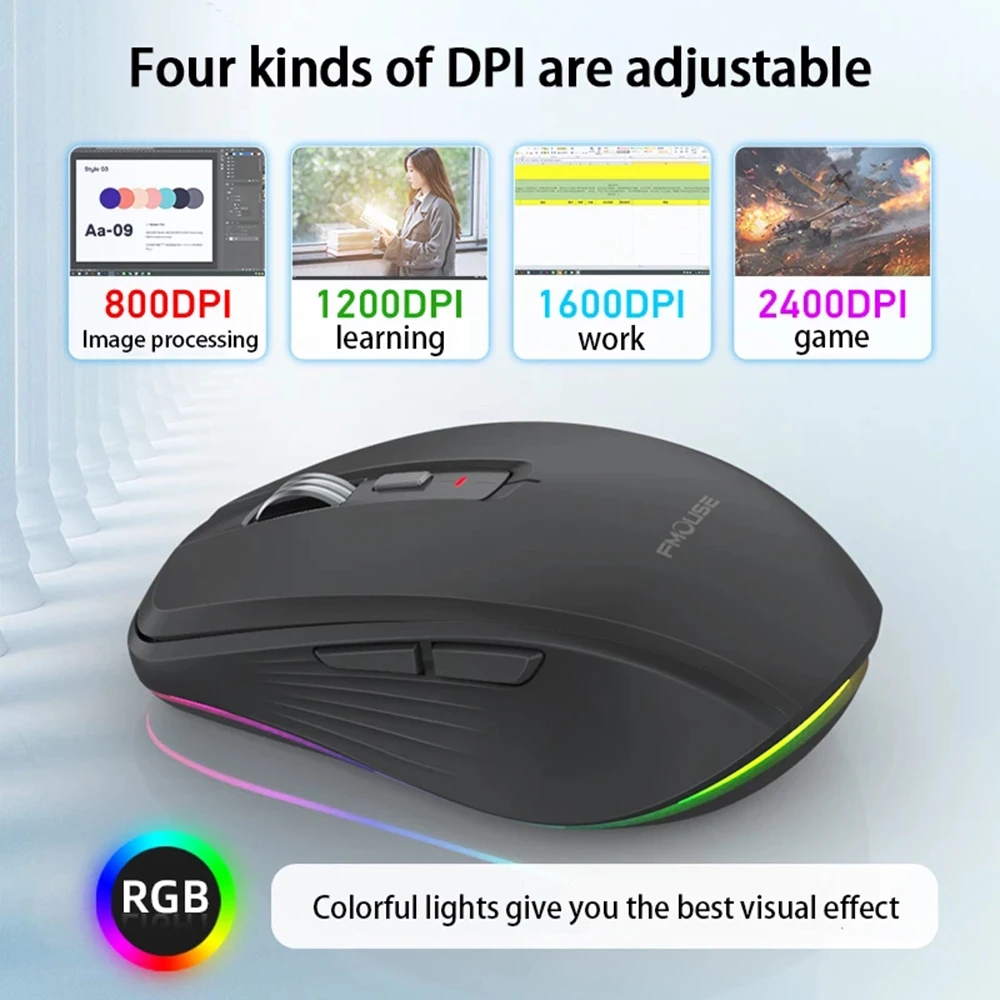
DPI: 800/1200/1600/2400 adjustable
DPI corresponding light mode: red (800)/green (1200)/blue (1600)/purple (2400)
Light mode: 14 light modes switch
Product size: 10×6.5×3.4cm
Product weight: 72g
Package size: 14×8.7×4.6cm
Package weight: 143g
Package includes:
1 x Wireless Mouse(2.4G+BT5.1)
1 x USB Receiver
1 x Charging cable(80cm Type-c)
1 x Instructions in English
Suitable system:
The 2.4G usb version support Windows /Mac ,
The Bluetooth version support Windows /Mac /ios / android.
Notes on charging mode:
It is recommended to use the computer USB interface to charge the mouse. The red light at the wheel is always on when charging, and the red light is off when fully charged, about 1-2 hours.
Instructions:
USB connection:
Step 1: Insert the receiver into the USB port of the computer
Step 2: Push the power switch at the bottom of the mouse to 2.4G mode, and the power indicator at the bottom of the mouse changesGreen and flashing
Step 3: Move the mouse or press the left and right buttons to use it normally
Bluetooth connection:
Step 1: Turn the power switch at the bottom of the mouse to the Bluetooth mode, and the indicator will turn blue and flash
Step 2: Open the tablet/computer/mobile phone, click the “Bluetooth” interface in the setting menu,Connect the paired mouse (BT5.1 Mouse)
Step 3: Move the mouse or press the left and right buttons to use it normally.
Instructions and precautions:
1. When the mouse cursor moves slowly, please check whether the battery is low. It is recommended to charge it in time.
2. When the mouse cannot be connected, please check whether the power switch at the bottom of the mouse is turned on, and select the correct connection method or move the USB receiver to another USB port for use.
3. If you do not use the mouse for a long time, turn off the power switch manually to save power.
4. If the mouse is not used for a long time, it will automatically enter the sleep mode. Move the mouse or press any key to wake the mouse.


Additional information
| Weight | 8 lbs |
|---|---|
| Dimensions | 3 in |
| Brand Name | HXSJ |
| Battery Included | Yes |
| Type | 2.4Ghz Wireless |
| High-concerned chemical | None |
| Origin | Mainland China |
| Operation Mode | Opto-electronic |
| Hand Orientation | Both Hands |
| DPI | 2400 |
| Package | Yes |
| Power Type | Rechargeable |
| Style | Backlight |
| Certification | KC |
| Acceleration | 10 G |
| Number of Rollers | 1 pcs |
| Gross Weight | 140 |
| Number of Buttons | 6 |
| Interface Type | Bluetooth |
| Choice | yes |




Reviews
There are no reviews yet.